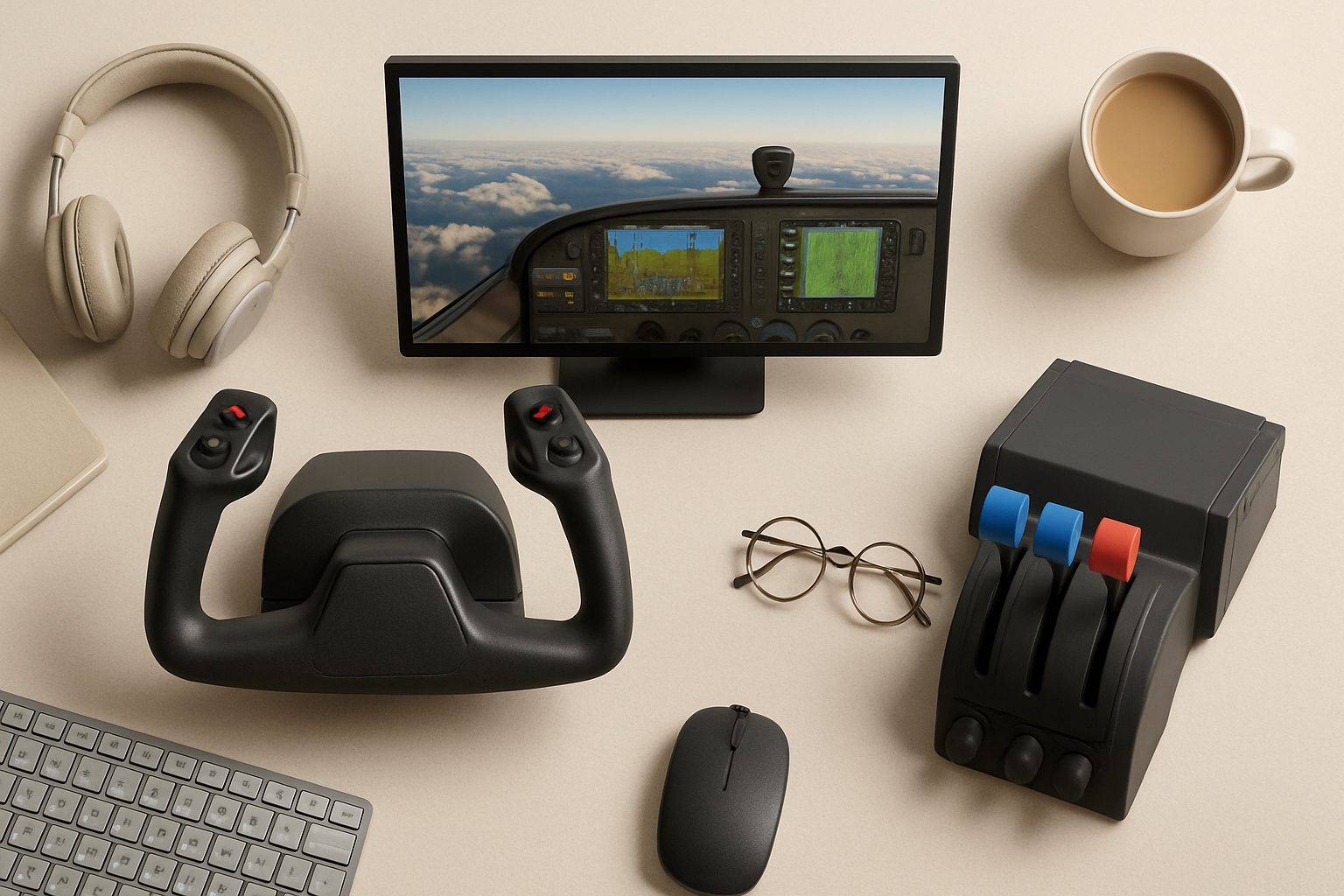
Best Home Flight Simulator Setups for UK Beginners in 2025
Starting out with home flight simulation can feel overwhelming—there's genuinely a lot of gear to choose from, and prices range from pocket change to genuinely serious money. The good news is that you don't need premium kit to learn the fundamentals. A decent starter setup will teach you the same basic skills as a £3,000 rig. Here's what actually works at three realistic UK budget tiers.
What Every Setup Needs
Before you spend anything, understand what you're building. A functional home flight sim needs:
- Flight sim software (Microsoft Flight Simulator, X-Plane, DCS World—mostly free or £30–£50)
- A control device (yoke, stick, or throttle quadrant)
- Rudder pedals (optional but seriously recommended after your first week)
- A PC that can run the software smoothly
- A monitor or VR headset (your existing monitor is fine to start)
The control hardware is where your money actually goes. The software is cheap or free. Your existing PC might be adequate—flight sims aren't as demanding as modern AAA games, though a decent GPU helps.
Setup 1: Under £300
This is genuine beginner territory. You'll be limited on hardware features, but you'll learn the actual skills.
Gear: A basic yoke (like the Thrustmaster TCA Yoke Pack) or a decent joystick with a separate throttle lever. Add budget pedals or skip pedals entirely—you can learn without them.
Why this works: You get proper control inputs. A yoke feels more like a real aircraft than a gamepad, which builds better muscle memory. Budget yokes lack the build quality of premium gear and often feel plasticky, but they're functional. You'll notice the difference in year two, not week one.
PC requirements: Intel i5 or Ryzen 5, 16GB RAM, GTX 1660 or equivalent. Most people already have something close. Older hardware? Start with X-Plane or FSX, which are gentler on your system.
The catch: You'll outgrow this quickly. Many people buy budget pedals here and replace them within six months because the build quality frustrates you when you're trying to land. Consider skipping pedals entirely at this tier and buying them separately later.
Realistic spend: £200–£280.
Setup 2: £300–£800
This is where most sensible beginners land. You get proper hardware that lasts, and enough budget for the full chain.
Gear: A mid-range yoke system (Logitech Pro or Thrustmaster TCA Officer Pack) paired with quality pedals (Logitech Pedals or Thrustmaster TFRP). Both hold up to years of use without annoying issues.
Why this works: Mid-range manufacturers design gear that's still affordable but doesn't fall apart. Thrustmaster and Logitech have proper support in the UK, so warranty claims actually work. The yokes feel closer to real cockpit controls—smoother, more precise. Pedals at this price point actually stay calibrated.
PC requirements: Intel i5/Ryzen 5 (12th gen or newer), 16GB RAM, RTX 3060 or equivalent. This runs Microsoft Flight Simulator on high settings at 1440p comfortably. No need to overclock or buy bleeding-edge components.
The catch: You still need space. A yoke mount and pedal setup takes up proper desk room or floor space. Budget £50–£100 for a decent mounting solution.
Add-ons to consider: A trim wheel (separate from the yoke) adds immersion and costs £30–£60. Worthwhile if you're flying realistic-systems aircraft.
Realistic spend: £400–£700 (hardware + mount + software).
Setup 3: £800+
Premium territory. You're buying gear that will last a decade.
Gear: A full cockpit system. Either a premium yoke setup (Honeycomb Alpha or similar) with professional-grade pedals, or a full-motion control frame like a VPC Constellation. Add a throttle quadrant, multiple switches, and proper mounting hardware.
Why this works: Professional-grade gear is built to real standards. Honeycomb controls use authentic aircraft-feel resistance. Full-motion frames let you mount everything properly rather than jamming it onto a desk. This is what serious hobbyists and part-time flight instructors actually use.
PC requirements: RTX 4070 or better, Intel i7/Ryzen 7, 32GB RAM. You're running maximum settings, possibly VR. Actually future-proof for five years.
The realistic bit: At this price point, you're not buying better learning outcomes—you're buying comfort and immersion. A beginner learns just as much on a £500 setup. But if you've already decided flight sim is your hobby long-term, this kit makes the experience genuinely pleasant rather than frustrating.
Realistic spend: £800–£2,000+ (very easy to spend more).
Getting Started Sensibly
Buy hardware incrementally. Start with a yoke and throttle. Fly for two weeks without pedals—you'll know if you actually need them or if they're just "nice to have." Most genuine beginners do eventually want pedals, but not immediately.
Use your existing monitor initially. VR is brilliant but adds £300+ and isn't essential for learning.
Pick one flight sim and stick with it for at least a month. Most have learning curves; jumping between them is confusing at first.
The Real Limitation
Your biggest constraint isn't money—it's space and patience. A yoke setup genuinely needs a dedicated desk or mounting frame. If you're cramped, a joystick-only setup (under £200) works fine initially, and you can upgrade later.
The hobby's accessible at any budget. You'll learn the fundamentals with £200 or £2,000 worth of kit. The difference is mostly comfort and longevity, not capability.
More options
- Honeycomb Alpha Flight Controls Yoke (Amazon UK)
- Thrustmaster TCA Officer Pack Airbus Edition (Amazon UK)
- Logitech G Pro Flight Rudder Pedals (Amazon UK)
- Meta Quest 3 VR Headset (Amazon UK)
- Honeycomb Bravo Throttle Quadrant (Amazon UK)