Home Cockpit PC Build Guide for Microsoft Flight Simulator 2024 (UK Parts)
Microsoft Flight Simulator 2024 is demanding. Really demanding. If you're serious about a home cockpit setup—whether you're flying the Atlantic or learning instrument approaches over your local area—your PC needs to handle high-resolution textures, world-scale scenery, and real-time weather data without stuttering through a critical phase of flight. This guide walks you through component selection for a build that performs, with specific UK-sourced parts at different budget points.
What MSFS 2024 Actually Needs
The system requirements Asobo publishes are optimistic. Running the sim at 30 fps on medium settings is straightforward; running it at 60+ fps with 4K cockpit textures and VR-ready performance is a completely different beast. Plan for a build that's several steps above minimum specs.
The key bottleneck is almost always the GPU. MSFS 2024 scales poorly across multiple GPUs and loves VRAM—the sim uses 8–12 GB of texture memory at high-end settings. CPU matters, but it's secondary; you need a recent-generation processor with good single-thread performance, paired with a GPU that won't choke.
CPU: The Solid Foundation
You need a CPU from the last three generations with at least 6 cores, but 8+ cores is comfortable. Single-thread performance matters more than core count—MSFS 2024's world engine is single-threaded in places.
Intel 13th and 14th-gen Core i7 (13700K, 14700K) or Ryzen 7 7700X/7800X3D are reliable choices. For budget builds, a Ryzen 5 7600X or Core i5-13600K is workable but leaves headroom for GPU upgrades.
Avoid older Ryzen 5000-series or 12th-gen Intel for new builds—they're cheaper but you'll feel the performance ceiling quickly once GPU costs dominate the budget.
Realistic spend: £300–£500 for a capable CPU that won't bottleneck a good GPU.
GPU: Where Your Money Goes
This is where cockpit builders spend heavily, and rightly so. MSFS 2024 at 1440p with maxed settings or 4K with high settings needs serious VRAM and memory bandwidth.
RTX 4070 Super or RTX 4080 are practical minimums for 1440p high-end performance. The 4070 Super sits around £600–£750 and delivers solid 60+ fps at 1440p with high settings. The 4080 (£1200+) handles 4K comfortably but requires proportional cooling and power.
AMD's RX 7800 XT (£450–£500) is good value for 1440p, though historically AMD drivers for MSFS have been less optimised. It's workable, just aware of the risk.
For 2K cockpit setups (1920×1080 per monitor, multiple screens), a 4070 Super becomes necessary because you're pushing 5760×1080 pixels. Plan for RTX 4080 or better.
Don't skimp here. A £200 GPU paired with a high-end CPU is false economy; you'll hate the experience.
RAM: 32 GB, Not Negotiable
MSFS 2024 uses 16 GB of system RAM easily, and system processes plus Windows 11 mean 16 GB total often leaves you throttling. Go straight to 32 GB; it costs £100–£150 and you'll use it.
DDR5 is marginally faster than DDR4 and pairs well with newer CPUs, but DDR4 is still acceptable if your motherboard/CPU support it cheaply. Buy a reputable brand (Corsair, Kingston, G.Skill) with reasonable timings; don't chase exotic high-frequency kits.
Storage: Fast SSD, Full Stop
Windows 11 + MSFS 2024 + regional scenery packs = 150–180 GB committed. Use an NVMe SSD; even a budget-tier drive like an SK Hynix P41 (£60–£80 for 1 TB) outpaces older SATA SSDs. A 1 TB main drive for OS and the sim, then a secondary 2 TB drive for scenery packs and add-ons, is sensible.
Don't use mechanical drives for the sim itself. You'll experience load stutters that kill immersion.
Power Supply and Case
MSFS builds draw 450–550W under sustained load. A quality 750W PSU (Corsair RM850e, Be Quiet! Straight Power 11, Seasonic Focus GX-850) gives headroom, costs £100–£150, and won't fail mid-flight. Cheaper units are false economy.
Cooling is important; sustained flight at max settings means sustained heat. A tower cooler like a Noctua NH-D15 (£85–£100) or AIO liquid cooler handles modern CPUs without fuss. Ensure the case has good airflow; a Fractal Design North or NZXT H7 Flow is around £100–£130 and will stay cool and quiet.
Example Build: 1440p High-End Target
- CPU: Ryzen 7 7700X (£330)
- GPU: RTX 4070 Super (£700)
- RAM: 32 GB DDR5 (£120)
- SSD: 1 TB NVMe + 2 TB secondary (£140)
- Motherboard: Mid-range X670 (£180)
- PSU: 750W 80+ Gold (£120)
- Cooler + Case: £200
Total: £1800–£2000
This build sustains 60+ fps at 1440p, high settings, with room to add dual cockpit monitors or minor overclocking.
Next Steps
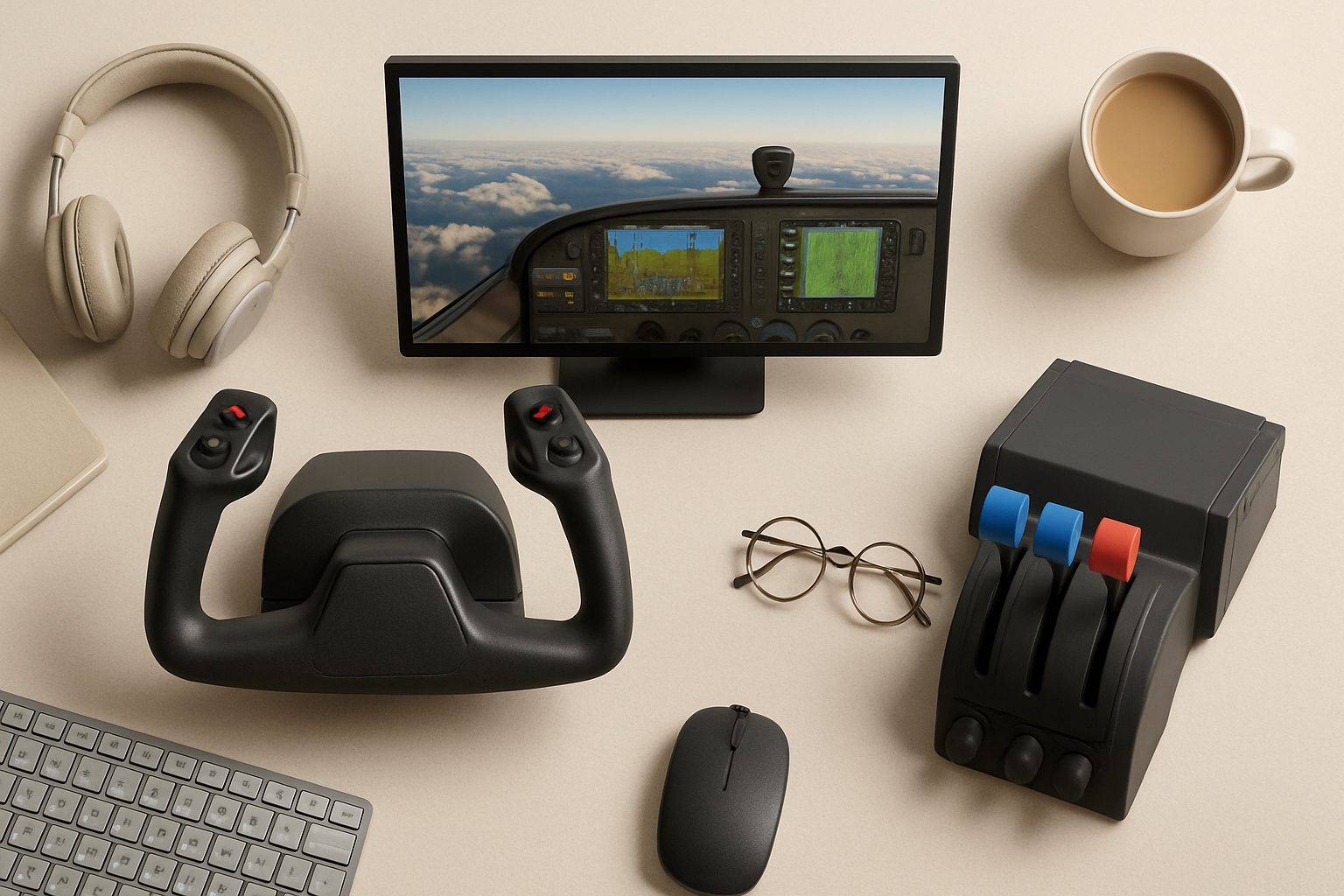
Once your core hardware is sorted, focus becomes peripherals: a quality chair (critical for immersion and back health), yoke or stick, throttles, and a monitor or VR headset. Your GPU choice heavily influences whether you pursue triple-screen 1080p setups (needs GPU horsepower) or VR (needs GPU VRAM and frame consistency).
Building for MSFS 2024 means accepting that GPU cost dominates the budget. Invest there first, and don't over-buy CPU or RAM trying to "future-proof"—the graphics card is what you'll upgrade in three years.
More options
- Honeycomb Alpha Flight Controls Yoke (Amazon UK)
- Thrustmaster TCA Officer Pack Airbus Edition (Amazon UK)
- Logitech G Pro Flight Rudder Pedals (Amazon UK)
- Meta Quest 3 VR Headset (Amazon UK)
- Honeycomb Bravo Throttle Quadrant (Amazon UK)